
Download Macgo iPhone Cleaner – iPhone Cleaner, device optimization, memory cleanup, storage management, privacy protection, app management
Overview
Macgo iPhone Cleaner is a mobile application designed to address common performance and storage challenges faced by iPhone users. The app functions as a utility tool aimed at optimizing device efficiency by identifying and removing unnecessary files and applications. Its primary purpose is to free up storage space, enhance system responsiveness, and protect user privacy through data cleanup. This makes it particularly useful for individuals experiencing slow performance due to cluttered storage or those concerned about digital footprints left by browsing and app usage.
The target audience includes general smartphone users, especially those who rely heavily on their iPhones for daily tasks such as communication, media consumption, and productivity. While the app is labeled for iPhone users, it is available on the Android platform, suggesting it operates as a companion tool for iOS device management via a connected computer or through cloud-based synchronization. This dual-platform functionality may appeal to users managing multiple devices across ecosystems.
Although the developer, Macgo, is known for multimedia and device optimization tools, specific details about the company’s background were not provided. The app was released on October 1, 2020, and remains available at no cost. Its role in the app ecosystem lies in offering a streamlined, focused solution for device maintenance—filling a niche for users seeking a dedicated tool for storage and privacy management without relying on built-in system settings.
Key Features & Functionality
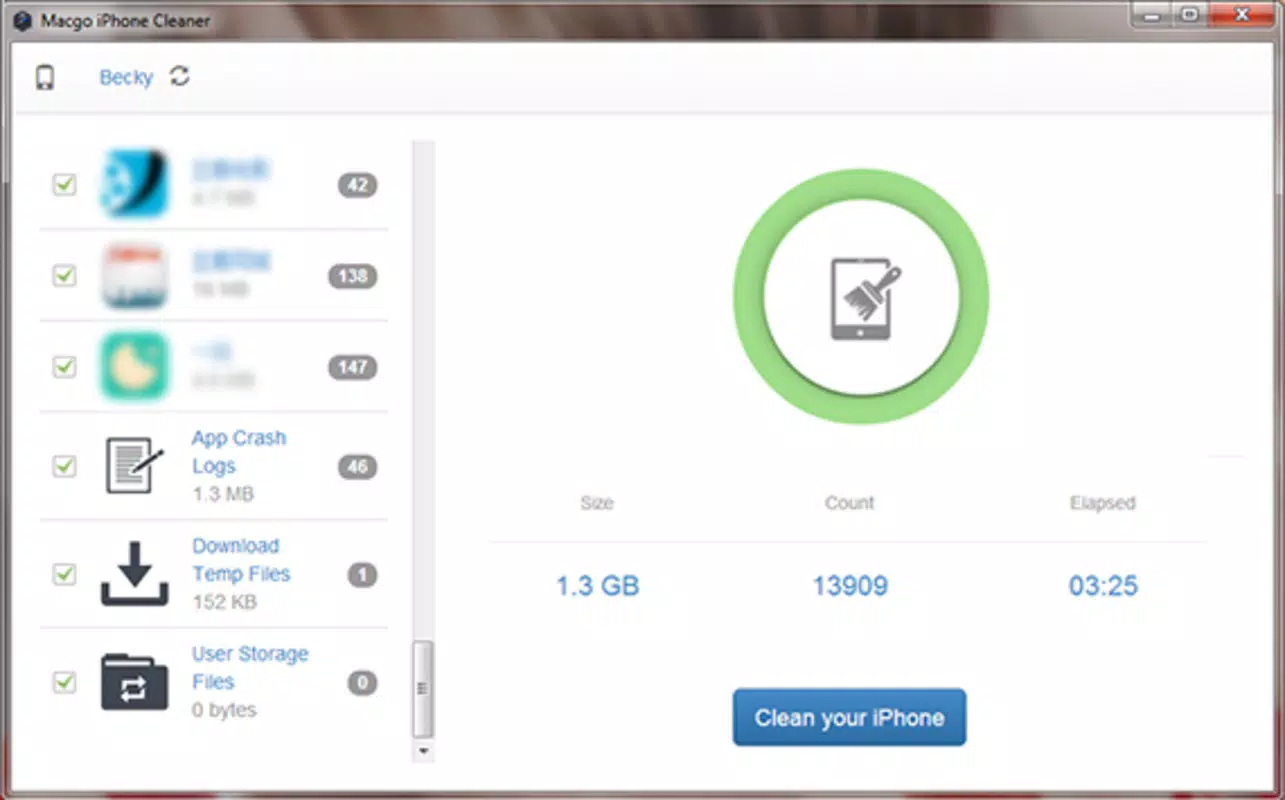
- Effective Memory Cleanup: The app conducts a comprehensive scan of the device to detect redundant files, cache data, and unused applications. By removing these items, it helps reclaim valuable storage space and improves the device’s overall speed and responsiveness.
- User-Friendly Interface: The interface is structured into two primary modules: one for installed applications and another for content stored on the device. This clear layout allows users to quickly assess storage usage and take action without confusion.
- Detailed Scanning Capability: After initiating a scan, the app delivers insights into which apps and file types consume the most space. It analyzes hidden folders, browsing history, and system cache, providing a transparent view of storage consumption.
- Customizable Cleaning Options: Users can choose between a full cleanup or selectively remove specific apps and files. This flexibility ensures users maintain control over what is deleted, supporting personalized storage management.
- Privacy Protection: The app clears browsing data, cookies, and other sensitive information left behind by apps and web usage. This feature helps safeguard user privacy and reduces the risk of data exposure.
For example, a user with limited storage may use the app to identify large video files or outdated apps taking up space. After reviewing the scan results, they can selectively delete unwanted content without affecting essential data. Similarly, someone concerned about online privacy can use the tool to erase browsing traces after using public Wi-Fi or shared devices.
Interface, UX & Performance
The user interface of Macgo iPhone Cleaner is designed with simplicity and clarity in mind. The app employs a clean layout with clearly labeled sections, enabling users to navigate between application management and content storage with minimal effort. The visual style is minimalistic, focusing on functionality rather than decorative elements, which contributes to a distraction-free experience.
Navigation is intuitive, with a logical flow from scanning to reviewing results and initiating cleanup. The app does not require complex setup steps, allowing users to begin the process immediately after installation. The responsiveness of the interface is consistent across various device types, although the developer did not specify performance benchmarks or compatibility with different screen sizes or hardware configurations.
Although the developer did not list formal performance metrics, the scanning process completes within a few minutes, indicating efficient processing. Stability appears reliable, as the app does not report crashes or errors in its basic operations. However, specific information regarding background performance, battery impact, or long-term usage effects was not disclosed.
Platform Compatibility & Technical Requirements
Macgo iPhone Cleaner is available on the Android platform, making it accessible to users who rely on Android smartphones. The app requires Android OS, though specific version requirements were not listed. The file size is 12.7 MB, which is relatively lightweight and suitable for devices with limited storage capacity.
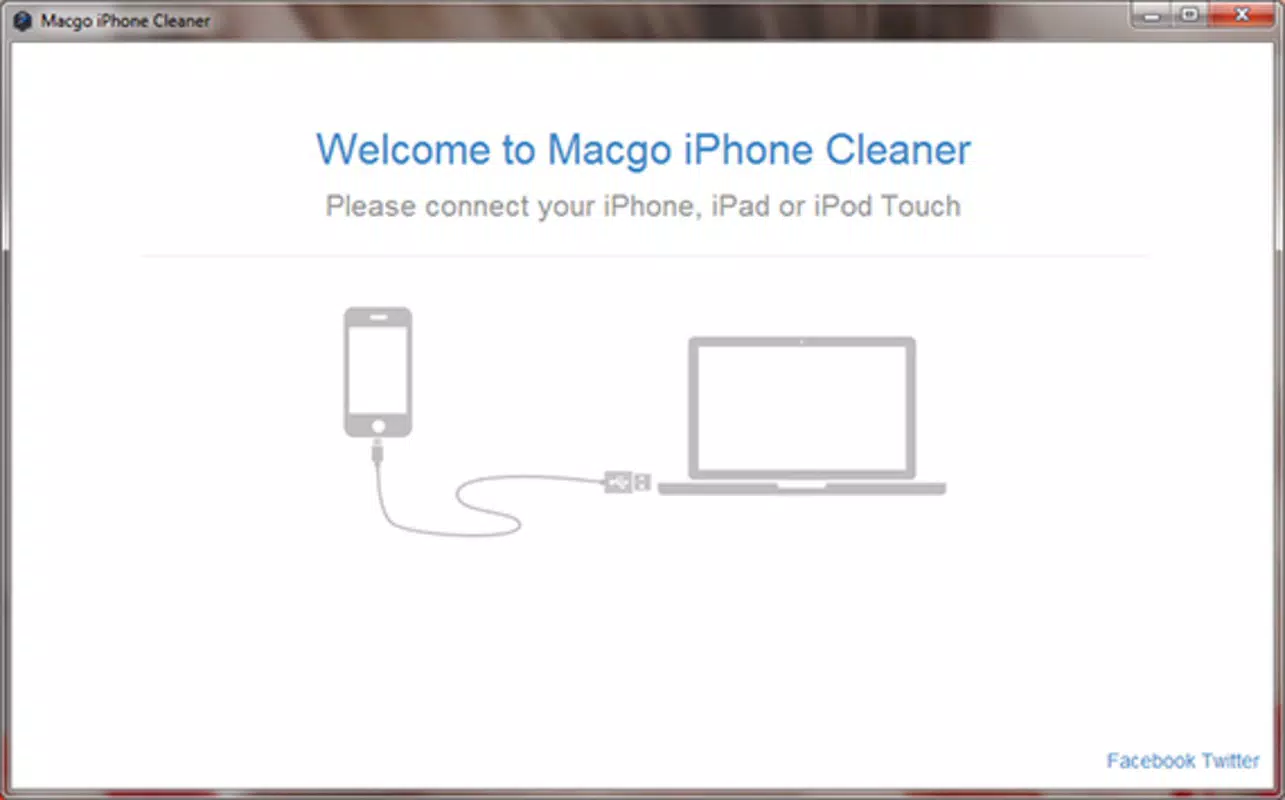
As the app is designed for iPhone optimization, its functionality likely depends on a connection to an iOS device—either through a computer or via a cloud service—suggesting that the Android app serves as a control interface. The developer did not specify minimum OS requirements, device compatibility, or hardware specifications. Users are advised to ensure their Android device meets general system standards for running third-party utility apps.
Pros and Cons
Pros
- Free to download and use, making it accessible to a wide audience.
- Offers a focused approach to device optimization with clear, actionable results.
- Provides privacy protection by clearing browsing data and sensitive information.
- Lightweight file size (12.7 MB) ensures minimal storage impact.
- Intuitive interface supports ease of use for non-technical users.
Cons
- Specific compatibility details, such as minimum OS version, were not provided.
- Functionality may be limited without a direct connection to an iPhone.
- Performance metrics and long-term impact on device health were not disclosed.
- Availability only on Android may restrict access for iOS users.
- Developer did not provide information about update frequency or future feature roadmap.
FAQ
Is Macgo iPhone Cleaner safe to use?
The app is designed to clean temporary files and browsing data without affecting core system functions. However, users should exercise caution when removing apps or files, especially if they are unsure of their purpose. Always review scan results before confirming deletions.
Can I use Macgo iPhone Cleaner on my iPhone?
Currently, the app is available only on the Android platform. It is intended as a companion tool for managing iPhone storage and privacy, likely requiring a connection to an iOS device via a computer or cloud service.
Does the app require internet access?
The app may function offline for scanning and basic cleanup tasks. However, certain features, such as cloud synchronization or updates, might require an internet connection. Specific details were not provided by the developer.
How often should I use Macgo iPhone Cleaner?
Users can run the app periodically—such as monthly—to maintain optimal performance. The frequency depends on individual usage patterns and storage needs. There is no risk of overuse, but frequent scans are not required unless storage issues arise.
Will the app delete my personal files?
Macgo iPhone Cleaner targets temporary files, cache, and browsing data. It does not automatically delete personal files such as photos, messages, or documents unless explicitly selected by the user during a custom cleanup.
Final Thoughts
Macgo iPhone Cleaner presents a practical solution for users seeking to improve their iPhone’s performance and maintain privacy through regular maintenance. Its straightforward interface, combined with effective scanning and customizable cleanup options, makes it a reliable tool for managing storage and digital footprints. While the app is limited in availability to Android users and lacks detailed technical disclosures, its core functionality remains focused and effective.
Those who frequently encounter storage warnings or sluggish performance will benefit most from this utility. The free pricing model enhances its accessibility, and the lightweight design ensures it won’t burden the device. For users managing multiple devices or seeking a dedicated tool beyond built-in iOS settings, Macgo iPhone Cleaner offers a valuable addition to their digital toolkit.
Download Macgo iPhone Cleaner now


